Geospatial Python - Cheat Sheet
Sources: Parts of this session are based on AutoGIS: Python for geospatial analysis (2024) and CoPhil EO AI/ML Training (2025)
Which GIS packages are available in Python?
In Session 1 Python Programming Fundamentals, you have already worked with several Python libraries for specific tasks — for example, NumPy for numerical computations and Matplotlib for visualization. In this section, we will expand that toolkit by introducing additional Python packages commonly used for GIS, spatial analysis, and geospatial data processing.
Below is an overview of widely used Python libraries for GIS and spatial data analysis. This list serves as a starting point when tackling geospatial or data analysis problems. However, since the Python ecosystem evolves rapidly, it is always good practice to search for newer or more suitable alternatives when needed.
Even if you learnt about a package from a blog post, or from this course, always check the package’s own documentation page for its recommended use.
Core Geometry Library:
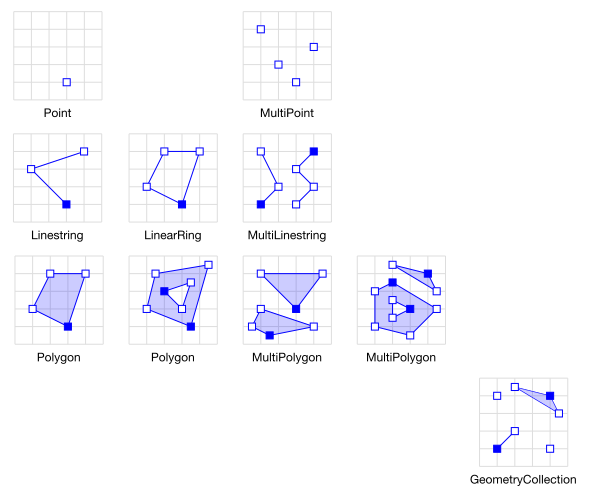
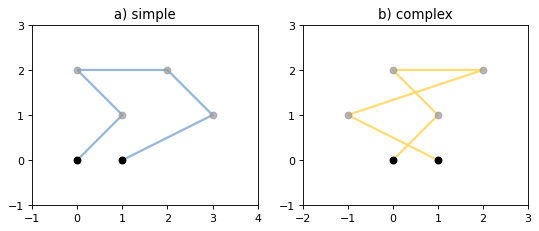
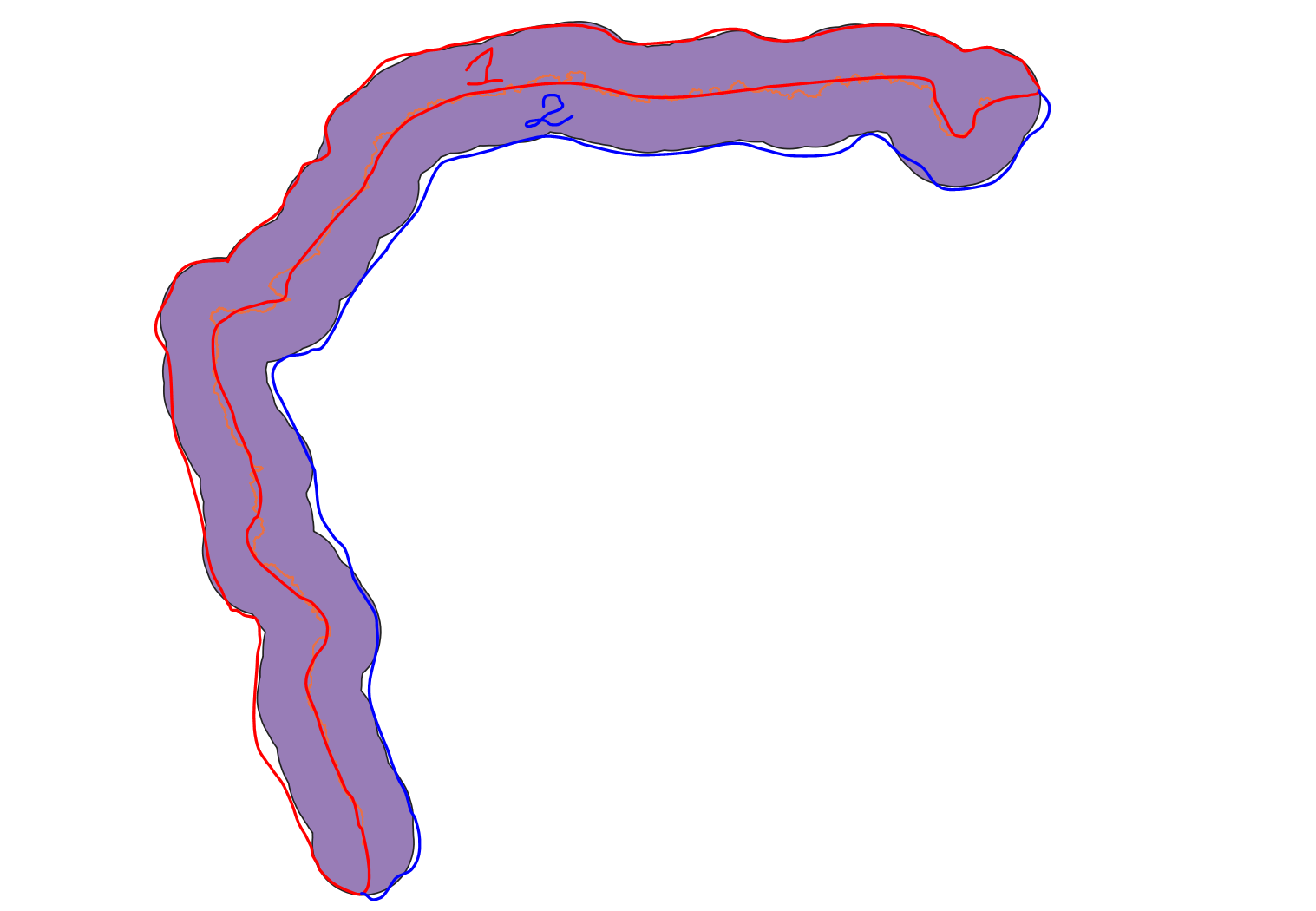
Shapely: Python package for manipulation and analysis of planar geometric objects (based on widely deployed GEOS).
Vector Data Handling:
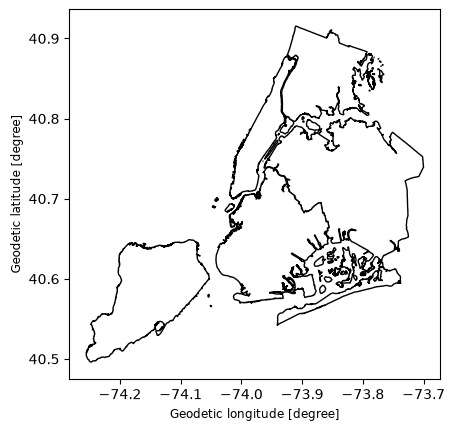
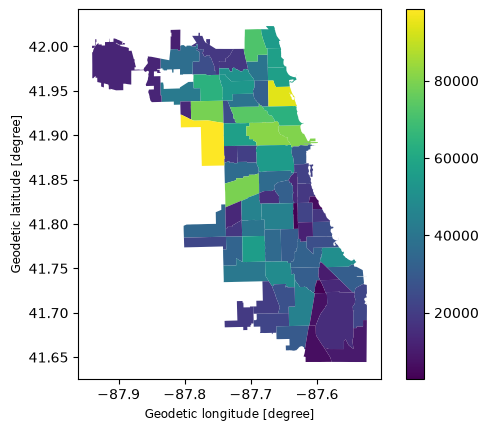
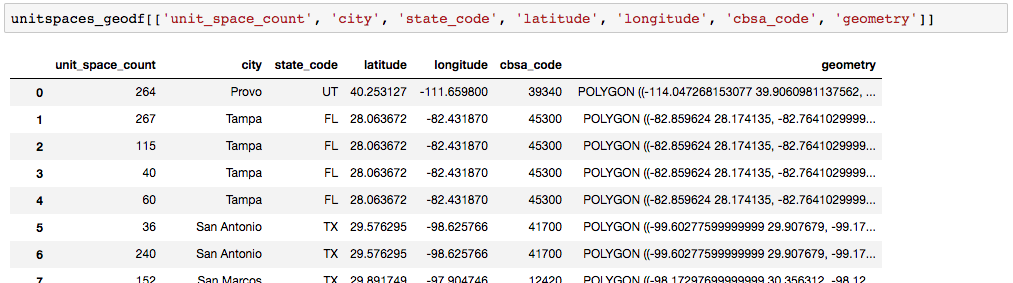
GeoPandas: Working with geospatial data in Python made easier, combines the capabilities of pandas and shapely.
Raster Data Processing:
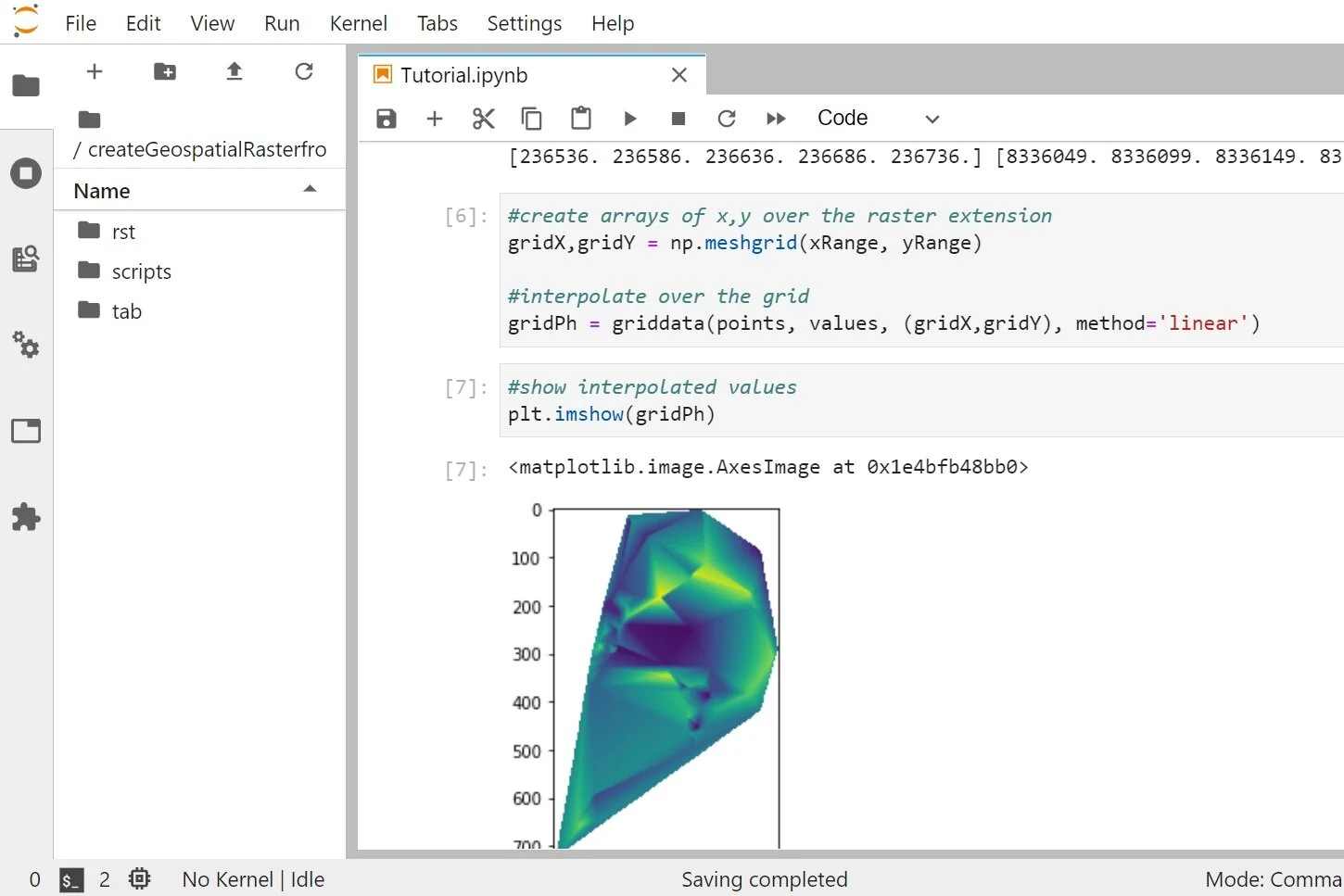
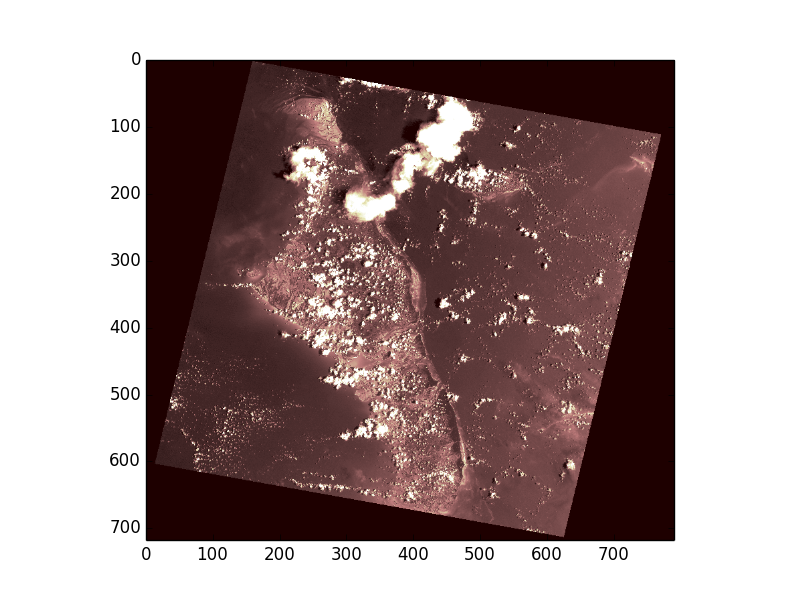
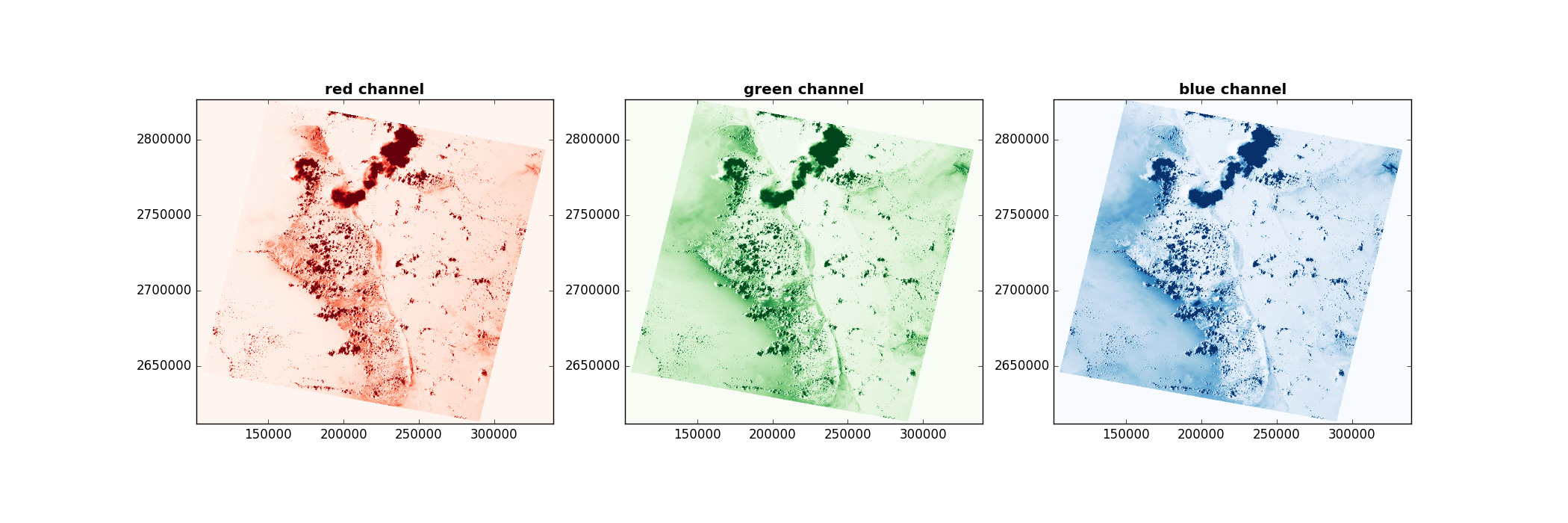
Rasterio: Clean, fast geospatial raster I/O for Python.
Coordinate Reference Systems:
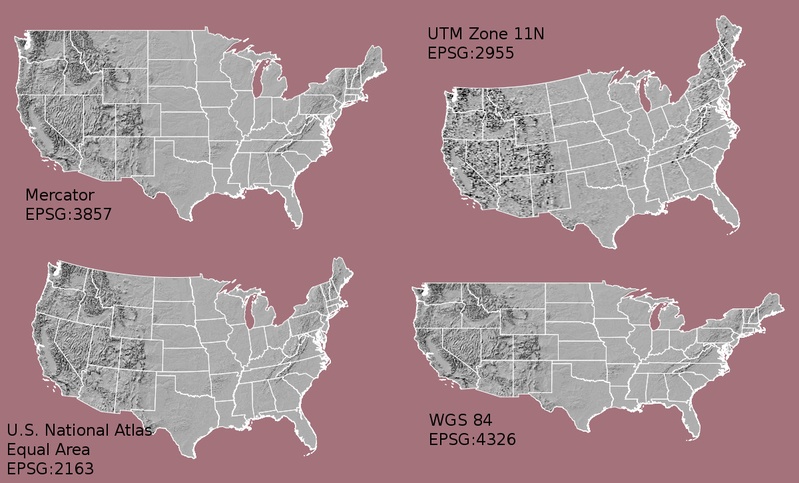
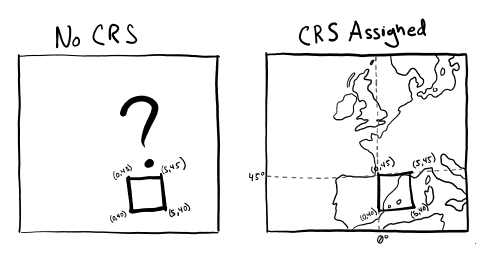
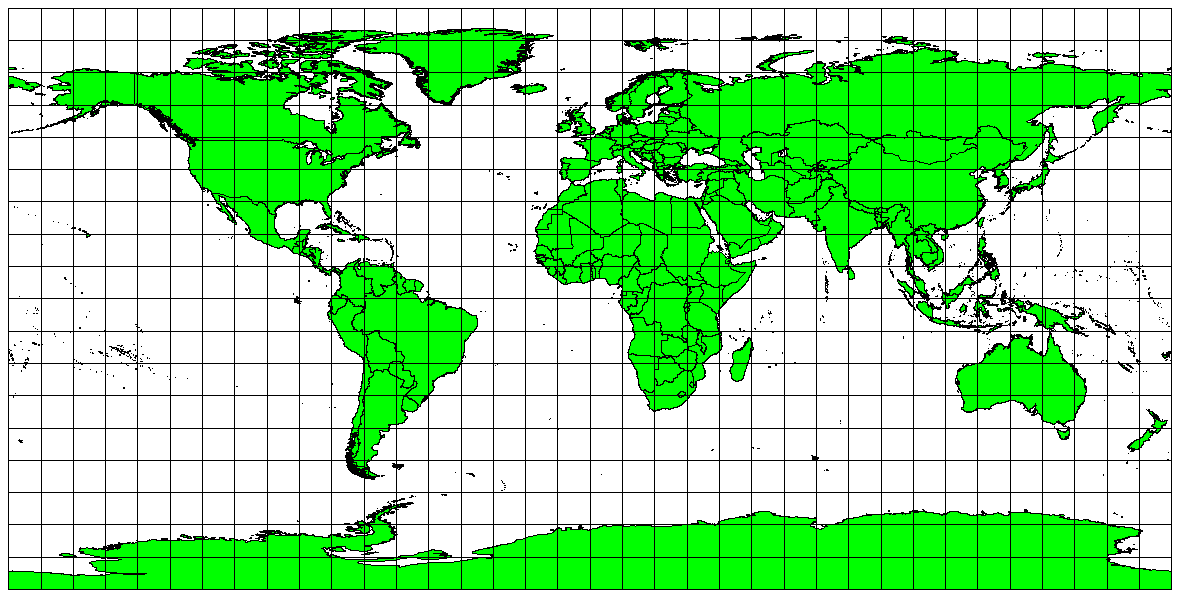
PyProj: Performs cartographic transformations and geodetic computations (based on PROJ).
Spatial Indexing and Advanced Tools:
Fiona: Reading and writing spatial data (alternative backend used by geopandas).
GDAL: Fundamental package for processing vector and raster data formats (many modules below depend on this). Used for raster processing.
Rtree: Spatial indexing for Python for quick spatial lookups.
Visualization and Interactive Mapping:
Matplotlib: Basic plotting library for Python
Plotly: Interactive visualizations (also maps) for the web (commercial - free for educational purposes)
Contextily: Add background basemaps for your static map visualizations.
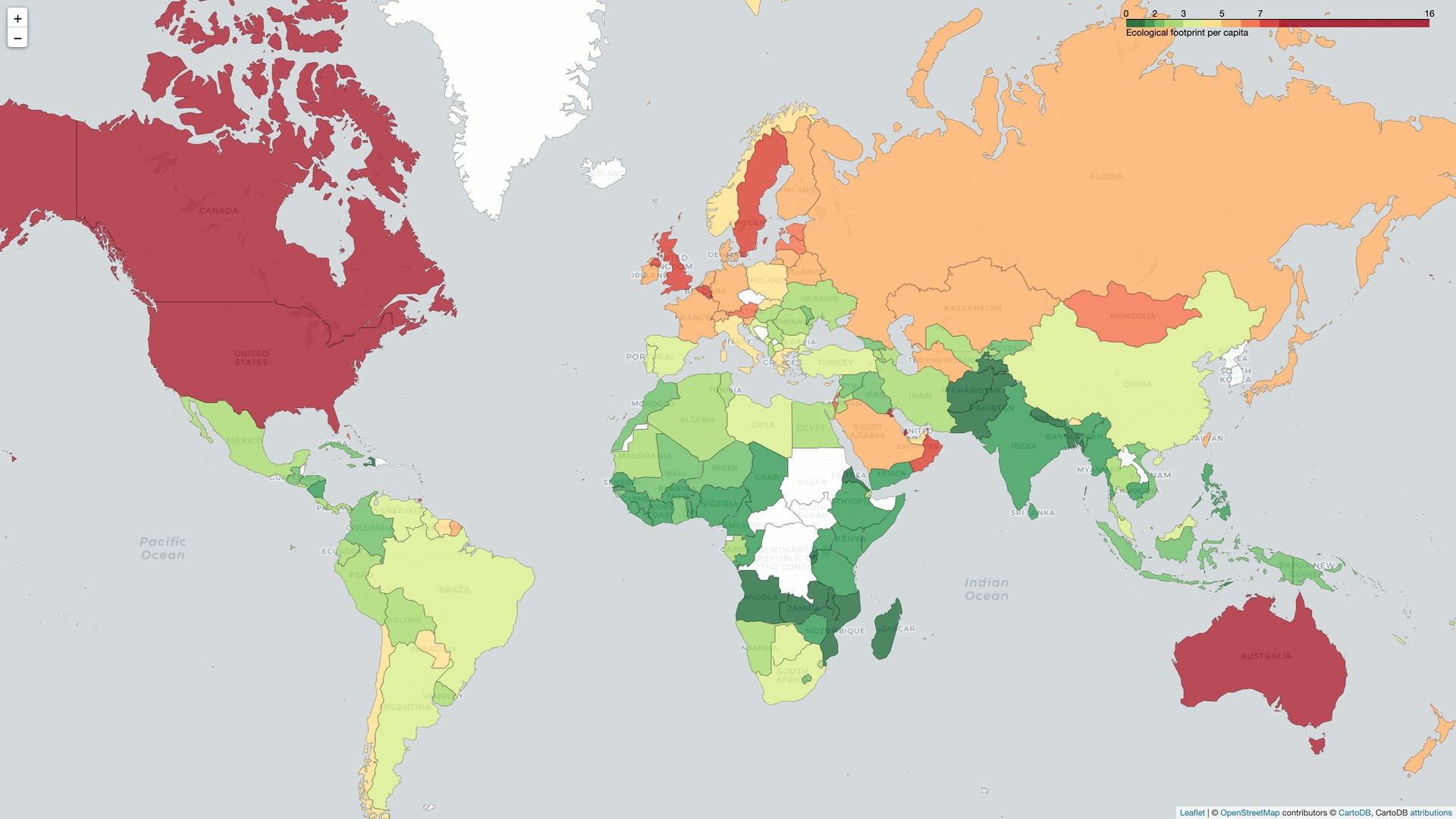
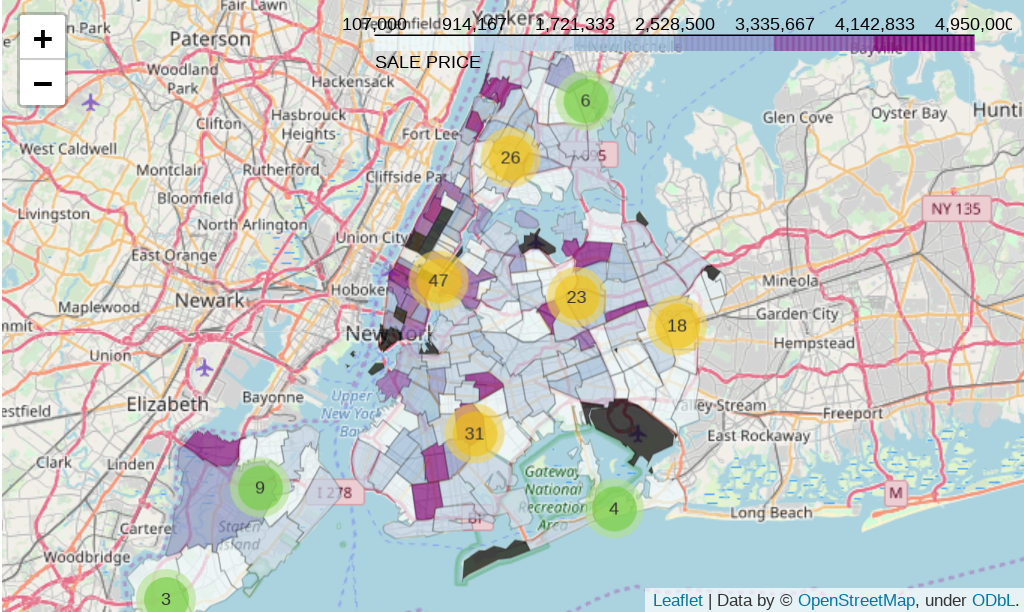
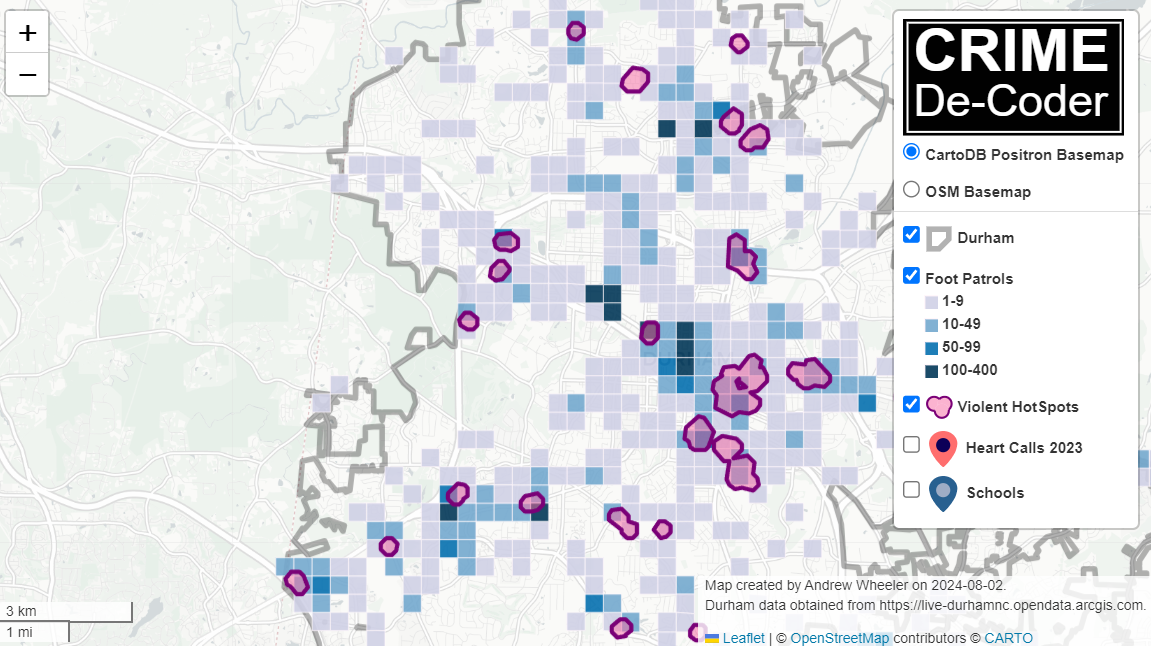
Folium: Interactive visualizations using Leaflet.js, allowing users to visualize data as markers, choropleths, or overlays, and supports various tilesets and vector/raster/HTML layers.
Other Data Analysis & Visualization libraries:
NumPy: Fundamental package for scientific computing with Python
Pandas: High-performance, easy-to-use data structures and data analysis tools
SciPy: A collection of numerical algorithms and domain-specific toolboxes, including signal processing, optimization and statistics
Bokeh: Interactive visualizations for the web (also maps)
Other GIS libraries:
PySAL: Library of spatial analysis functions written in Python.
Geopy: Geocoding library: coordinates ↔ address conversion.
GeoViews: Interactive maps for the web.
Geoplot: High-level geospatial data visualization library for Python.
Dash: Python framework for building analytical web applications.
OSMnx: Retrieve, construct, analyze, and visualize street networks from OpenStreetMap.
NetworkX: Network analysis and routing in Python (e.g., Dijkstra and A* algorithms).
Cartopy: Drawing maps for data analysis and visualization.
scipy.spatial: Spatial algorithms and data structures.
RSGISLib: Remote Sensing and GIS Software Library for Python.
💡 TIP:
If you look through the list of links above, you will notice that many projects host their documentation on readthedocs.io (RTD), more specifically at the URL:
https://{PROJECT_NAME}.readthedocs.io/
RTD has become the de-facto standard service for hosting documentation for Python packages; if you are looking for documentation for a Python package, quickly trying its (assumed) readthedocs address often works.
Definition of Terms:
This section outlines the key terms you may encounter when exploring geospatial Python and AI, organized alphabetically by category for easy reference.
Geospatial Data Terms:
Affine Transformation
Mathematical operation describing the relationship between pixel coordinates and geographic coordinates in raster data.
Bounding Box
Rectangular area defined by minimum and maximum coordinates [minX, minY, maxX, maxY], used to specify geographic extents.
Coordinate Reference System (CRS)
System defining how coordinates relate to real-world locations, including datum and projection (e.g., WGS84, UTM).
Digital Elevation Model (DEM)
Raster representation of terrain elevation, with each pixel value representing height above a reference level.
Feature
In geospatial terms, a vector object (point, line, or polygon) with associated attributes.
GeoJSON
Open standard JSON format for encoding geographic data structures, widely used for web mapping.
GeoPackage
Open format for geospatial data storage in SQLite database, supporting both vector and raster data.
Geometry
The spatial component of a geographic feature, defining its shape and location (point, line, polygon).
GeoTIFF
Raster image format with embedded geographic metadata (CRS, extent, resolution), standard for geospatial raster data.
NoData Value
Special value in raster data indicating missing or invalid data (e.g., -9999, NaN).
Pixel Resolution (Spatial Resolution)
Ground area represented by one pixel (e.g., 10m means each pixel covers 10m × 10m on the ground).
Projection
Mathematical transformation converting 3D Earth coordinates to 2D map coordinates (e.g., Mercator, UTM).
Raster Data
Grid-based spatial data where each cell (pixel) contains a value, used for continuous phenomena (elevation, temperature, imagery).
Reproject
Converting geospatial data from one coordinate reference system to another.
Shapefile
Popular vector data format for GIS, consisting of multiple files (.shp, .shx, .dbf, .prj).
Spatial Join
Combining attributes from two geospatial datasets based on their spatial relationship (intersection, within, etc.).
Vector Data
Spatial data representing discrete features as points, lines, or polygons with associated attributes.
Well-Known Text (WKT)
Text markup language for representing vector geometry and spatial reference systems.
Earth Observation Terms:
Absorption Band
Wavelength region where atmospheric gases (water vapor, oxygen, CO2) absorb electromagnetic radiation, limiting remote sensing capabilities.
Backscatter
The portion of radar energy reflected back to the sensor from a target. Used in SAR imaging to detect surface properties and moisture.
Cloud Masking
The process of identifying and removing cloud-contaminated pixels from optical satellite imagery to improve data quality.
Composite Image
A single image created by combining multiple images from different dates, often using statistical methods (median, mean) to reduce noise and clouds.
Earth Observation (EO)
The gathering of information about Earth’s physical, chemical, and biological systems through remote sensing technologies, primarily satellites.
False Color Composite
An image display where spectral bands are assigned to RGB colors differently than natural vision (e.g., NIR-Red-Green), revealing features invisible to the human eye.
Ground Truth
Field-collected reference data used to validate remote sensing classifications and train machine learning models.
Image Collection
A set of satellite images covering the same geographic area at different times, used for time series analysis.
Pixel
The smallest unit in a raster image, representing a specific ground area (spatial resolution) and spectral value.
Preprocessing
Steps taken to correct raw satellite data before analysis, including atmospheric correction, geometric correction, and radiometric calibration.
Remote Sensing
The science of obtaining information about objects or areas from a distance, typically using sensors on satellites or aircraft.
Revisit Time
The frequency with which a satellite can observe the same location on Earth (e.g., Sentinel-2 has 5-day revisit with 3 satellites).
Spectral Signature
The unique reflectance pattern of an object across different wavelengths, used to identify materials and land cover types.
True Color Composite
An image display using red, green, and blue bands to create a natural-looking image similar to human vision.
Satellite & Sensor Terms:
Active Sensor
Sensor that emits its own energy and measures the reflected signal (e.g., SAR, LiDAR).
Atmospheric Correction
Processing step removing atmospheric effects (scattering, absorption) to retrieve surface reflectance.
C-band
Radar frequency band (4–8 GHz, wavelength 3.75–7.5 cm) used by Sentinel-1, good for vegetation and soil moisture.
Electromagnetic Spectrum
Range of all electromagnetic radiation wavelengths, from radio waves to gamma rays, including visible light.
Geometric Correction
Correcting image distortions caused by sensor viewing angle, terrain, and Earth’s curvature.
Level 1C (L1C)
Sentinel-2 product with Top-of-Atmosphere (TOA) reflectance, geometrically corrected.
Level 2A (L2A)
Sentinel-2 product with Bottom-of-Atmosphere (BOA) surface reflectance, atmospherically corrected.
LiDAR
Light Detection and Ranging – active sensor using laser pulses to measure distance, creating high-resolution 3D point clouds.
Multispectral
Imaging system capturing data in multiple (typically 3–15) wavelength bands across visible and infrared spectrum.
Near Infrared (NIR)
Electromagnetic radiation with wavelengths 0.7–1.4 μm, strongly reflected by healthy vegetation.
Optical Sensor
Passive sensor detecting reflected sunlight in visible and infrared wavelengths (e.g., Sentinel-2, Landsat).
Orbit
Path of a satellite around Earth, characterized by altitude, inclination, and period.
Panchromatic
Single-band imagery capturing all visible wavelengths, typically at higher spatial resolution than multispectral bands.
Passive Sensor
Sensor detecting naturally available energy, typically reflected sunlight (e.g., optical cameras).
Polarization
Orientation of radar waves (HH, VV, HV, VH), providing information about surface structure and moisture.
Radiometric Calibration
Converting raw sensor digital numbers to physical units (radiance or reflectance).
SAR (Synthetic Aperture Radar)
Active microwave imaging system creating high-resolution images independent of sunlight and clouds.
Short-Wave Infrared (SWIR)
Electromagnetic radiation with wavelengths 1.4–3.0 μm, useful for detecting moisture and minerals.
Spectral Resolution
Ability to distinguish between different wavelengths, determined by number and width of spectral bands.
Sun-Synchronous Orbit
Satellite orbit maintaining constant local solar time, ensuring consistent illumination conditions.
Temporal Resolution
Frequency of repeat observations over the same location (synonymous with revisit time).
AI/ML Terms:
Activation Function
Mathematical function in neural networks that introduces non-linearity (e.g., ReLU, Sigmoid, Tanh), enabling learning of complex patterns.
Artificial Intelligence (AI)
Computer systems capable of performing tasks that typically require human intelligence, including perception, reasoning, and decision-making.
Backpropagation
Algorithm for training neural networks by calculating gradients of loss and adjusting weights to minimize error.
Batch Size
Number of training samples processed before updating model weights. Smaller batches = more updates but noisier; larger batches = smoother but fewer updates.
Classification
Supervised learning task of assigning input data to predefined categories (e.g., forest, water, urban).
Clustering
Unsupervised learning technique that groups similar data points together without predefined labels (e.g., K-means, DBSCAN).
Confusion Matrix
Table showing predicted vs. actual classifications, used to calculate accuracy, precision, recall, and F1-score.
Convolutional Neural Network (CNN)
Deep learning architecture specialized for image analysis, using convolutional layers to detect spatial patterns.
Data Augmentation
Technique to artificially increase training data by applying transformations (rotation, flipping, scaling) to existing samples.
Deep Learning
Subset of machine learning using multi-layer neural networks to learn hierarchical representations of data.
Epoch
One complete pass through the entire training dataset during model training.
Feature Engineering
The process of creating new input variables from raw data to improve model performance.
Feature Extraction
Identifying and extracting relevant patterns or characteristics from raw data for use in machine learning models.
Ground Truth Labels
Verified, accurate labels for training data, typically from field surveys or expert interpretation.
Hyperparameter
Model configuration setting chosen before training (e.g., learning rate, number of layers) that affects model performance.
Loss Function
Mathematical function measuring the difference between predicted and actual values, used to guide model training.
Machine Learning (ML)
Subset of AI enabling systems to learn and improve from experience without explicit programming.
Neural Network
Computing system inspired by biological brains, consisting of interconnected nodes (neurons) organized in layers.
Overfitting
When a model learns training data too well, including noise, resulting in poor performance on new data.
Precision
Proportion of positive predictions that are actually correct. Precision = TP / (TP + FP).
Random Forest
Ensemble learning method using multiple decision trees to improve prediction accuracy and reduce overfitting.
Recall (Sensitivity)
Proportion of actual positives correctly identified. Recall = TP / (TP + FN).
Regression
Supervised learning task of predicting continuous numerical values (e.g., crop yield, temperature).
Supervised Learning
Machine learning where models learn from labeled training data (input-output pairs).
Support Vector Machine (SVM)
Classification algorithm that finds the optimal hyperplane separating different classes in feature space.
Training Set
Portion of data used to train a machine learning model (typically 70–80% of total data).
Transfer Learning
Reusing a pre-trained model on a new but related task, reducing training time and data requirements.
Underfitting
When a model is too simple to capture the underlying patterns in data, resulting in poor performance.
Unsupervised Learning
Machine learning where models find patterns in unlabeled data without predefined categories.
Validation Set
Data used to evaluate model performance during training and tune hyperparameters (typically 10–15% of data).
Technical Acronyms:
AI
Artificial Intelligence – computer systems performing tasks requiring human intelligence.
API
Application Programming Interface – set of functions allowing software to interact with services (e.g., Earth Engine Python API).
BOA
Bottom of Atmosphere – surface reflectance after atmospheric correction (Level 2A products).
CNN
Convolutional Neural Network – deep learning architecture for image analysis.
CRS
Coordinate Reference System – defines how coordinates relate to Earth’s surface.
DEM
Digital Elevation Model – raster representation of terrain elevation.
DL
Deep Learning – subset of ML using multi-layer neural networks.
DRR
Disaster Risk Reduction – strategies to minimize disaster impacts.
EO
Earth Observation – gathering information about Earth through remote sensing.
EPSG
European Petroleum Survey Group – which originally published a database for spatial reference systems. EPSG codes refer to specific reference systems.
ESA
European Space Agency – operates Copernicus Sentinel missions.
EVI
Enhanced Vegetation Index – vegetation index less sensitive to atmospheric effects than NDVI.
GEE
Google Earth Engine – cloud platform for planetary-scale geospatial analysis.
GIS
Geographic Information System – software for capturing, managing, and analyzing spatial data.
GPU
Graphics Processing Unit – hardware accelerating deep learning computations.
GNSS
Global Navigation Satellite System – satellite-based positioning (GPS, Galileo, GLONASS).
HDF
Hierarchical Data Format – file format for storing large scientific datasets.
IW
Interferometric Wide Swath – Sentinel-1 acquisition mode with 250 km swath.
LiDAR
Light Detection and Ranging – laser-based remote sensing for elevation mapping.
LULC
Land Use Land Cover – classification of Earth’s surface into categories (forest, urban, agriculture, etc.).
ML
Machine Learning – algorithms enabling systems to learn from data.
MODIS
Moderate Resolution Imaging Spectroradiometer – NASA sensor providing daily global coverage.
NASA
National Aeronautics and Space Administration – operates Landsat and other EO missions.
NDBI
Normalized Difference Built-up Index – spectral index for detecting built-up areas.
NDVI
Normalized Difference Vegetation Index – spectral index measuring vegetation health/density.
NDWI
Normalized Difference Water Index – spectral index for detecting water bodies.
NIR
Near Infrared – electromagnetic radiation beyond visible red (0.7–1.4 μm).
RGB
Red-Green-Blue – color model using three primary colors, or the corresponding image bands.
RF
Random Forest – ensemble machine learning algorithm using multiple decision trees.
SAR
Synthetic Aperture Radar – active microwave imaging system.
SCL
Scene Classification Layer – Sentinel-2 cloud and land cover classification mask.
SNAP
Sentinel Application Platform – ESA’s free software for processing Sentinel data.
SWIR
Short-Wave Infrared – electromagnetic radiation with wavelengths 1.4–3.0 μm.
SVM
Support Vector Machine – classification algorithm finding optimal separating hyperplane.
TOA
Top of Atmosphere – apparent reflectance before atmospheric correction (Level 1C products).
UTM
Universal Transverse Mercator – widely-used projected coordinate system dividing Earth into zones.
WGS84
World Geodetic System 1984 – global geographic coordinate system (EPSG:4326).
Spectral Indices:
NDVI (Normalized Difference Vegetation Index)
Formula: (NIR - Red) / (NIR + Red)
Range: -1 to +1
Interpretation:
High values (0.6–0.9): Dense vegetation
Moderate (0.2–0.5): Sparse vegetation
Near zero: Bare soil, rock
Negative: Water, clouds
Sentinel-2 Bands: (B8 - B4) / (B8 + B4)NDWI (Normalized Difference Water Index)
McFeeters Formula: (Green - NIR) / (Green + NIR)
Gao Formula: (NIR - SWIR) / (NIR + SWIR)
Range: -1 to +1
Interpretation:
Positive values: Water bodies
Negative values: Land surfaces
Sentinel-2 (McFeeters): (B3 - B8) / (B3 + B8)
Sentinel-2 (Gao): (B8 - B11) / (B8 + B11)NDBI (Normalized Difference Built-up Index)
Formula: (SWIR - NIR) / (SWIR + NIR)
Range: -1 to +1
Interpretation:
Positive values: Built-up areas
Negative values: Vegetation, water
Sentinel-2: (B11 - B8) / (B11 + B8)EVI (Enhanced Vegetation Index)
Formula: 2.5 × ((NIR - Red) / (NIR + 6×Red - 7.5×Blue + 1))
Range: -1 to +1
Advantages: Less sensitive to atmospheric effects and soil background than NDVI
Sentinel-2: 2.5 × ((B8 - B4) / (B8 + 6×B4 - 7.5×B2 + 1))
Sentinel-2 Band Summary:
| Band | Name | Wavelength (nm) | Resolution (m) | Typical Use |
|---|---|---|---|---|
| B1 | Coastal aerosol | 443 | 60 | Atmospheric correction |
| B2 | Blue | 490 | 10 | Bathymetry, soil/vegetation |
| B3 | Green | 560 | 10 | Peak vegetation sensitivity |
| B4 | Red | 665 | 10 | Vegetation discrimination |
| B5 | Red Edge 1 | 705 | 20 | Vegetation health |
| B6 | Red Edge 2 | 740 | 20 | Vegetation stress |
| B7 | Red Edge 3 | 783 | 20 | Vegetation stress |
| B8 | NIR | 842 | 10 | Biomass, water bodies |
| B8A | Narrow NIR | 865 | 20 | Atmospheric correction |
| B9 | Water vapor | 945 | 60 | Atmospheric correction |
| B11 | SWIR 1 | 1610 | 20 | Moisture, soil/vegetation |
| B12 | SWIR 2 | 2190 | 20 | Moisture, burned areas |
Common CRS for Philippines:
| Name | EPSG Code | Type | Use Case |
|---|---|---|---|
| WGS84 | 4326 | Geographic | Global datasets, web maps |
| UTM Zone 50N | 32650 | Projected | Western Mindanao |
| UTM Zone 51N | 32651 | Projected | Luzon, Visayas, most of Philippines |
| UTM Zone 52N | 32652 | Projected | Eastern Mindanao |
| PRS92 | 4683 | Geographic | Philippine Reference System |
Managing file paths (pathlib)
Managing file paths reliably is essential when working with data across computers, virtual environments, or version‑controlled projects like GitHub repositories. Hard‑coded strings and manual string manipulation for paths are fragile and prone to errors, especially when operating systems differ (e.g., / vs \ ).
Python’s built‑in pathlib module (introduced in Python 3.4) provides an easy, cross‑platform, object‑oriented way to work with filesystem paths.
Key points:
Path objects:
Create path objects using pathlib.Path().
Without arguments, it refers to the current script/notebook directory.
Calling .resolve() converts it to an absolute, system‑aware path.
Useful methods and properties:
.exists(), .is_dir(), etc., let you check path status on the filesystem.
path.parent gets the parent directory.
Path objects automatically convert to strings when needed.
Path manipulation with /:
Join path components using the / operator (instead of string concatenation) for cleaner, OS‑independent code:
Good practice in projects:
Define constants like DATA_DIRECTORY = NOTEBOOK_PATH / “data” at the start of notebooks to centralize where data files are stored and used.
from pathlib import Path

# Create a Path object for the current directory
current_dir = Path()
print("Current directory:", current_dir.resolve())

# Define a data folder and a file inside it
data_dir = current_dir / "data"
palay_dir = data_dir / "Non-Target Features (Palay, Fishponds)" / "PH_Palay2022S1S2_Post-GT_Updated" / "PH_Palay2022S1S2_Post-GT_Updated.shp"

# Check if the data folder exists (.exists), create if not (.mkdir)
if not data_dir.exists():
    data_dir.mkdir()
    print("Created data directory:", data_dir)

# Check if the file exists
if palay_dir.exists():
    print("File exists:", palay_dir)
else:
    print("File does not exist yet:", palay_dir)

# Access parent directory and file name
print("Parent directory of the file:", palay_dir.parent)
print("File name:", palay_dir.name)
print("File suffix/extension:", palay_dir.suffix)
# Reading shapefile into a GeoDataFrame object
import geopandas as gpd
psa_survey_palay = gpd.read_file(palay_dir)
# Plot your shapefile
psa_survey_palay.plot()psa_survey_palay.head()Map projections
A coordinate reference system (CRS) is fundamental metadata for any geospatial dataset. Without a CRS, coordinates are just numbers with no connection to real-world locations. The CRS enables GIS software—including Python libraries—to accurately place these points on Earth or other roughly spherical bodies.
CRS is closely related to map projections, though the two are not the same:
Map projections (or projected coordinate systems) are mathematical methods for converting locations from the three-dimensional surface of the Earth to a two-dimensional plane, like a flat map.
Geographic coordinate systems use latitude and longitude directly as x and y coordinates, representing degrees along the Earth’s surface.
Both projected and geographic coordinate systems can use ellipsoids to better approximate the Earth’s irregular form.
Different datasets often use different CRSs because no single system can perfectly preserve angles, distances, and areas across the globe. Therefore, reprojecting data between CRSs is a common GIS task, especially when combining layers. Failing to align CRSs can lead to incorrect results—for instance, checking whether points lie within a polygon will fail if the points use degrees (geographic CRS) and the polygon is measured in meters (projected CRS).
Choosing an appropriate map projection requires considering your data and map purpose:
The “best” projection depends on the scale, resolution, and spatial extent of your data.
Every projection has trade-offs; no projection perfectly preserves angles, distances, and areas simultaneously.
The projection you choose can even reflect the priorities or perspective of the mapmaker.
Handling coordinate reference systems in Geopandas (pyproj)
Once you’ve determined the appropriate map projection, working with coordinate reference systems in GeoPandas is relatively straightforward. The pyproj library can provide detailed information about a CRS and help with more complex tasks, such as identifying the CRS of a dataset when it’s unknown.
In this section, we will cover how to access the CRS information of a dataset and how to reproject the data into a different coordinate reference system.
⚠️ Caution: Careful with Shapefiles
You might have noticed that geospatial data sets in ESRI Shapefile format consist of multiple files with different file extensions. The .prjfile contains information about the coordinate reference system. Be careful not to lose it!
Displaying the CRS of a data set
psa_survey_palay.crsWhat we are looking at here is a pyproj.CRS object.
The EPSG code (from the European Petroleum Survey Group) is a global standard used to identify coordinate reference systems. Each number corresponds to an entry in the EPSG Geodetic Parameter Dataset, which contains definitions for coordinate systems and transformations at global, regional, national, and local levels.
In our GeoDataFrame, the EPSG code is 32651. This is a projected CRS corresponding to UTM Zone 51N, which covers part of the Philippines. Unlike geographic coordinates in degrees, this CRS uses meters, making it ideal for accurately measuring distances, areas, and performing local spatial analysis. Using a projected system like EPSG:32651 is particularly important in the Philippine context, where precise mapping of cities, provinces, or infrastructure is needed for planning, disaster management, and environmental monitoring. It ensures that spatial calculations are consistent and reliable within the region.
psa_survey_palay.geometry.head()Reprojecting a GeoDataFrame
Converting data between different coordinate reference systems in GeoPandas is straightforward. You simply call the to_crs() method on a GeoDataFrame and provide the desired CRS. The method accepts various formats, with the simplest being an EPSG code.
psa_survey_palay_wgs84 = psa_survey_palay.to_crs("EPSG:4326")

psa_survey_palay_wgs84.crspsa_survey_palay_wgs84.geometry.head()Handling different CRS formats
Common CRS formats: PROJ strings, EPSG codes, WKT, JSON
Spatial datasets may have different CRS formats
Conversion between CRS formats is often needed
GeoPandas + pyproj can parse, manage, and convert CRS information
import pyproj

crs = pyproj.CRS(psa_survey_palay.crs)

print(f"CRS as a proj4 string: {crs.to_proj4()}\n")

print(f"CRS in WKT format: {crs.to_wkt()}\n")

print(f"EPSG code of the CRS: {crs.to_epsg()}\n")
📒 NOTE
Not all coordinate reference systems have an assigned EPSG code. Therefore, PyProj attempts to find the closest matching EPSG code by default. If no suitable match is found, the to_epsg() method returns None.
Use pyproj to find detailed information about a CRS
A pyproj.CRS object provides comprehensive details about a reference system, including its name, area of use (with bounds), datum, and ellipsoid.
crs_info = pyproj.CRS("EPSG:4326")
crs_info
You can also access each piece of information individually, for example:
# Access individual pieces of information
print("Name:", crs_info.name)
print("Area of Use:", crs_info.area_of_use)
print("Datum:", crs_info.datum)
print("Ellipsoid:", crs_info.ellipsoid)
print("Coordinate System:", crs_info.coordinate_system)
Exploring vector and raster data in Python
In GIS workflows, understanding and exploring spatial data is as important as reading or writing it. Python provides a rich ecosystem of libraries for vector and raster data exploration, analysis, and visualization.
Vector Data
Vector data represents discrete features such as points, lines, and polygons. Common formats include ESRI Shapefiles, GeoPackage (GPKG), and GeoJSON.
GeoPandas: High-level interface for reading, writing, and manipulating vector datasets.
Inspect attributes: gdf.head(), gdf.info(), gdf.describe()
Visualize geometries: gdf.plot()
Query/filter data by attribute or spatial conditions
Fiona: Low-level file access when reading/writing vector files.
Raster Data
Raster data represents the world as a grid of cells (pixels), with each cell holding a value such as temperature, elevation, or land cover.
Single-band raster: Each pixel has a single value (e.g., elevation).
Multiband raster: Each pixel contains multiple values (e.g., Red, Green, Blue bands in satellite imagery).
A key property of raster data is resolution, which defines the ground area each cell represents. Higher resolution provides more detail but increases file size.
Common raster formats:
GeoTIFF: Flexible format supporting multiple bands, metadata, and compression.
JPEG, GIF, BMP, PNG: Suitable for presentations or online applications, but limited metadata support.
ASCII Grid: Simple text format often used for elevation data, with spatial info in the header.
Python libraries:
Rasterio: provides low-level access to raster files, built on GDAL, supporting reading/writing, pixel access, CRS management, and format conversion.
xarray: handles labeled, multi-dimensional arrays, making it ideal for scientific and spatial data.
rioxarray: extends xarray for geospatial raster operations, leveraging rasterio under the hood. It allows reading/writing raster formats like GeoTIFF, working with CRS, and performing GIS-specific tasks such as reprojection.
By combining these tools, Python makes it possible to fully explore GIS data: inspect attributes, visualize spatial patterns, analyze relationships, and manipulate datasets for further analysis, for both vector and raster data.
File formats -- Vector I/O
Fiona can read (almost) all geospatial file formats and write to many of them. The exact supported formats may vary depending on the local installation and version. To see which formats are available, you can print the list of Fiona’s file format drivers:
import fiona

fiona.supported_drivers
Fiona uses drivers to handle different geospatial file formats. Each format in the list indicates the capabilities of the driver:
r → file can be read
w → file can be written
a → data can be appended to an existing file
Note: Each “format” actually refers to the driver implementation, and a single driver may support multiple related file formats.
# Reading a Vector File

training_data = data_dir / "Training Data (Geotagged target features with ODK Collect Tool)" / "ODk_geoshape" / "geoshape_odk_020426.shp"

psa_crops_data = fiona.open(training_data / "", "r")

for crops in psa_crops_data:
    if crops["properties"].get("crop_type") == "tobacco":
        print(crops)
# Checking metadata
print("CRS:", psa_crops_data.crs)
print("Schema:", psa_crops_data.schema)
print("Driver:", psa_crops_data.driver)for crops_info in psa_crops_data:
geometry = crops_info["geometry"]
crop = crops_info["properties"]["crop_type"]
info = crops_info["properties"]["other_info"]
print("Geometry:", geometry, "| Crop Type:", crop, "| Other Info:", info)# Create GeoDataFrame with tobacco crops
tobacco_gdf = gpd.GeoDataFrame(
[
{
"geometry": tobacco_crop["geometry"],
"crop_type": tobacco_crop["properties"]["crop_type"],
"other_info": tobacco_crop["properties"]["other_info"]
}
for tobacco_crop in psa_crops_data
if tobacco_crop["properties"].get("crop_type") == "tobacco"
],
crs=psa_crops_data.crs
)
tobacco_gdf.head()